 Quando
Every calendar, side by side
Work, personal and family calendars in one timeline, each in its own colour. Edit in Quando and it's updated in Google within seconds.
Google, Outlook and iCloud side by side, tasks that get a real time on your day, and AI agents that only change things you approve.
Mac and Android, including Galaxy Fold · iPhone later
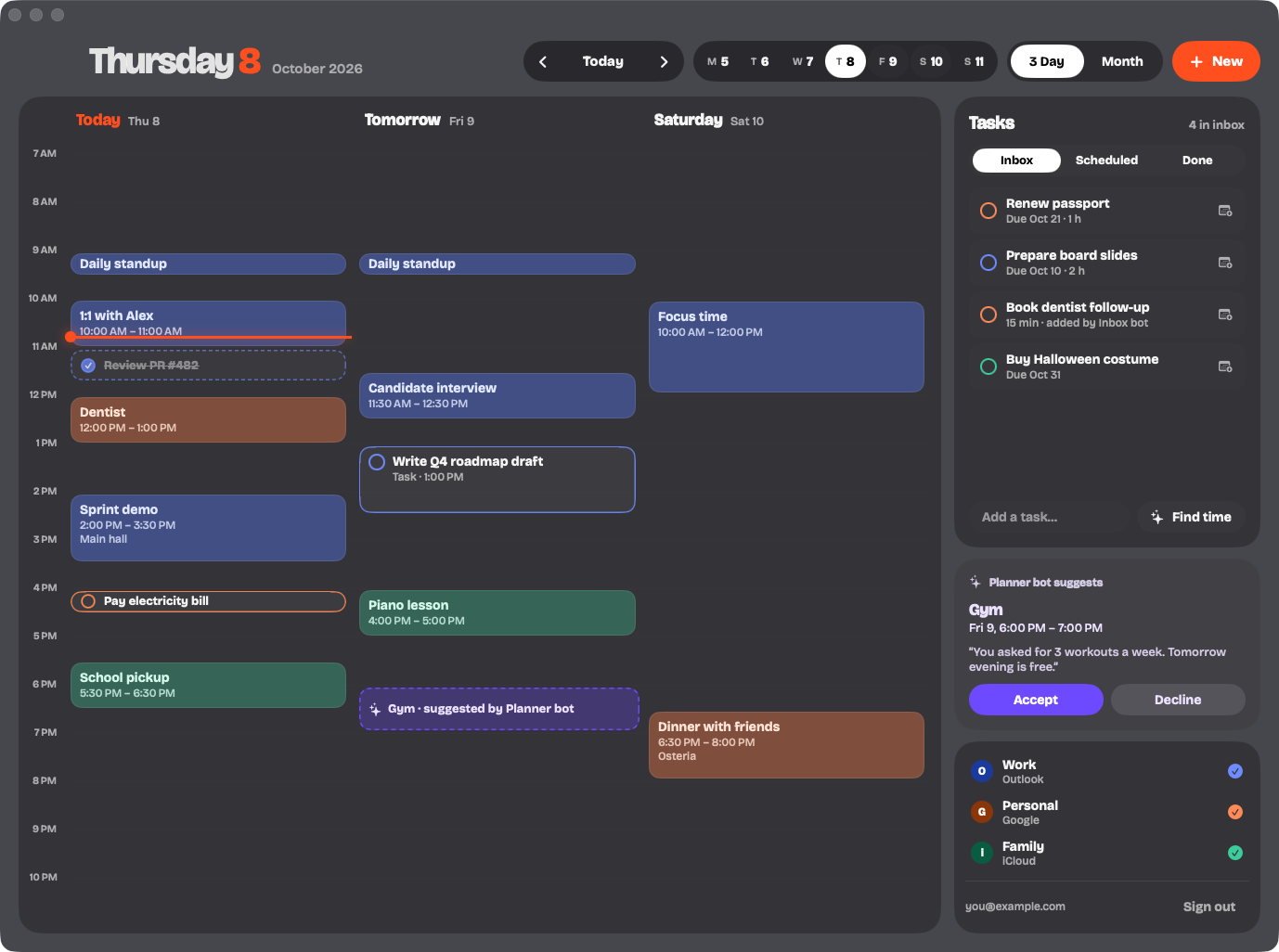
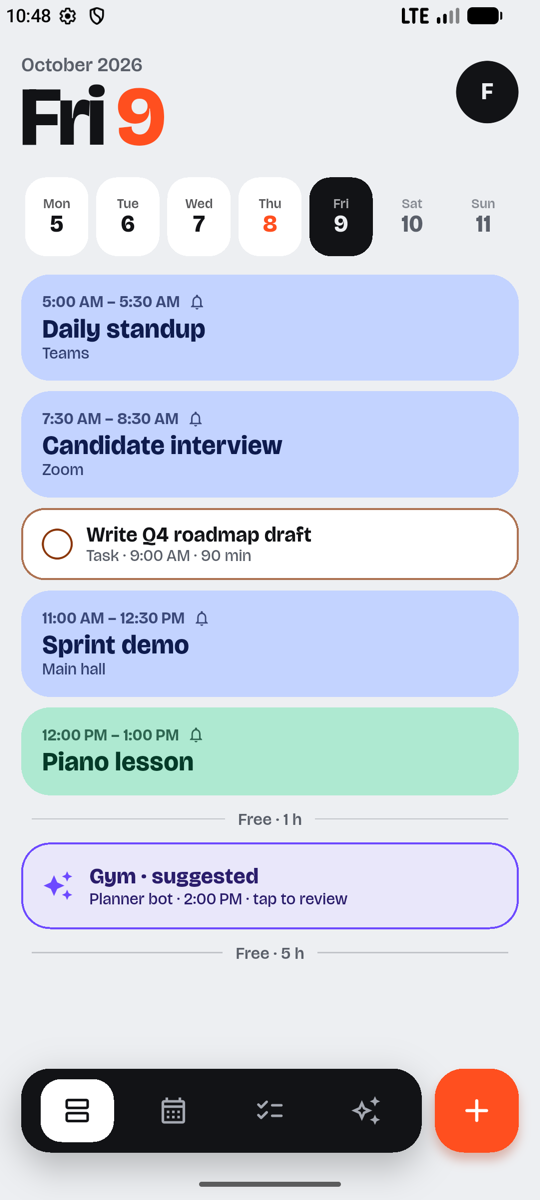
Connect your accounts once. Changes go both ways, so Quando and your other calendar apps always agree.
Work, personal and family calendars in one timeline, each in its own colour. Edit in Quando and it's updated in Google within seconds.
Drop tasks in the inbox. Tap Find time and Quando books each one into a real gap in your day, around your meetings.
Connect assistants and automations through MCP. They can read your free time, suggest events and manage tasks. Anything that touches your calendar waits for your OK, and every change can be undone for 30 days.
Pick alerts per event, or set a default once. They arrive on your phone even when the app is closed.
A native Mac app with a menu bar view, and an Android app that opens into a three-day grid when you unfold a Galaxy Fold.
All-day events, locations, video call links with a Join button, guests, notes and multiple alerts. Your Google reminders and Meet links come across too.
No ads, no data deals. Quando only uses your calendar to run your calendar.